

Product design agency for startups
The board
What is a design system, in practice?
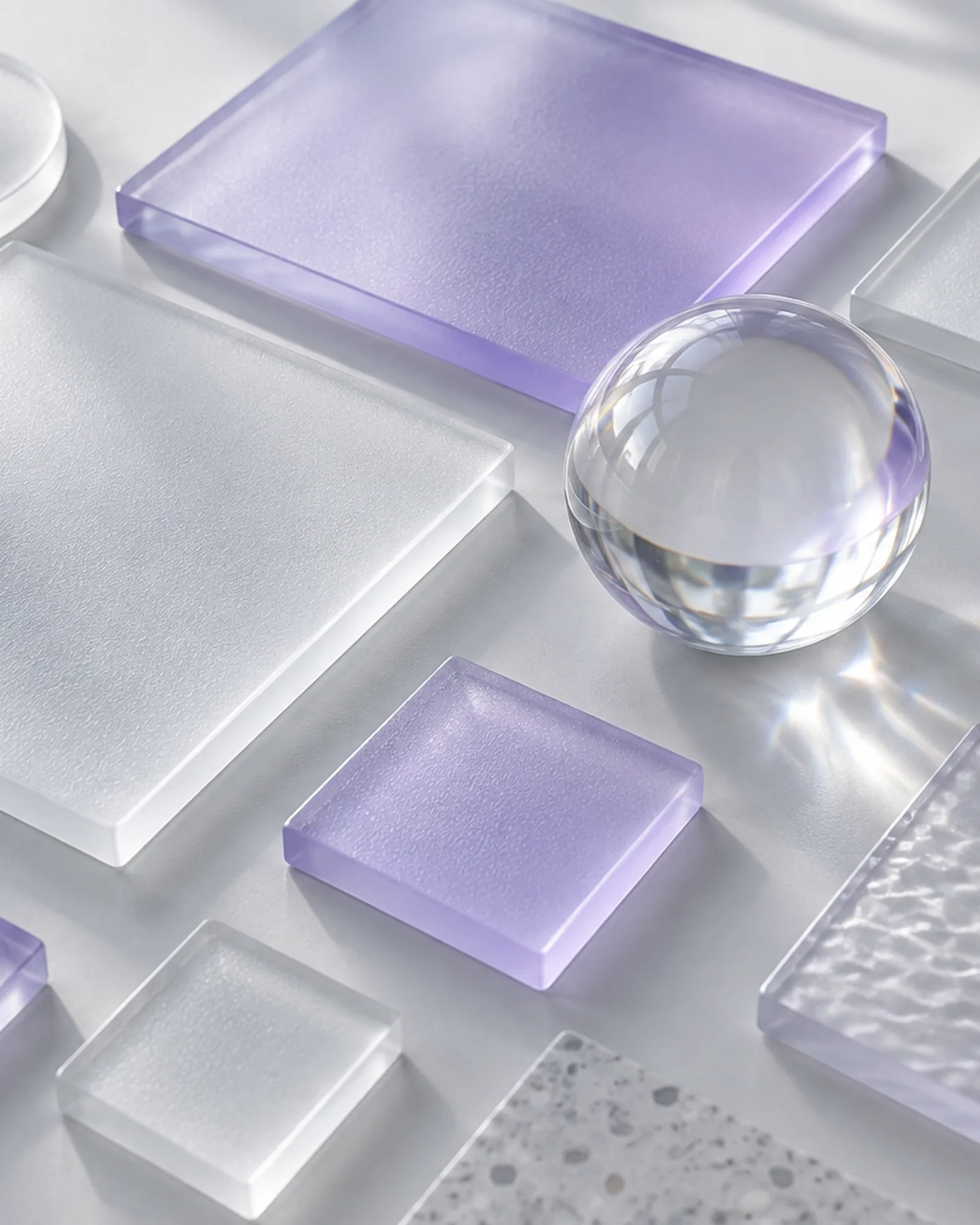
It's the set of rules and reusable parts (colours, typefaces, grid, components, motion) that designers and developers share, each with a name and a value. This board is the design system of this very website: the values are the ones the code uses, read from the CSS as you look.
Hover over a piece, or press +, to read its specs.
- Token
- --font-d
- Value
- Panchang, weight 300
- Use
- Big headlines: wide and light, strong enough to carry a page
- Token
- --bg
- Value
- #e5e9ed
- Use
- Behind the whole site: a cool grey, never cream
- Token
- --ink
- Value
- #0d1017
- Use
- Text and rules; 15.6:1 contrast on the background
- Token
- --accent
- Value
- #6d63e6
- Use
- Focus, hover, details. 3.8:1 on the background: fine for large headings and UI elements, not for body copy
- Rule
- :focus-visible
- Value
- 2px --accent outline, 4px offset
- Use
- Keyboard users always know where they are
- Class
- .k-link
- Value
- 1px rule, arrow, lilac on hover in 0.3s
- Use
- Every call to action on the site: no pill buttons
- Columns
- 12
- Gutter
- --gutter: clamp(12px, 1.8vw, 28px)
- Margin
- --margin: clamp(16px, 4.6vw, 88px)
- Token
- --font-t
- Value
- Geist, weights 400 and 500
- Use
- Everything meant to be read: lines of 62 characters at most
- Steps
- --step--1 … --step-5, fluid with clamp()
- --step-3
- clamp(2.3rem, 1.3rem + 3.9vw, 5.4rem)
- --step-5
- clamp(3.4rem, 0.8rem + 10.5vw, 13rem)
- Token
- --font-serif
- Value
- Fraunces Italic, weight 330
- Use
- The odd section heading, always in ink, never coloured
- Element
- <details> and <summary>
- Value
- 1px rule, a + that turns in 0.5s
- Use
- Opens without JavaScript, one question at a time
- --ease-out
- cubic-bezier(0.16, 1, 0.3, 1)
- --ease-io
- cubic-bezier(0.76, 0, 0.24, 1)
- Use
- Soft entrances, decisive transitions; with "reduce motion" on, everything stays still
The process
How do you design the experience of a digital product?
In six steps: research, user flows, wireframes, prototype, user testing and handoff to developers. Each step produces something you can look at, argue about and sign off before moving on to the next.
Research
We talk to the people who will use the product and the people who sell it: what they do today, where they lose time, what would make them switch. Out comes a ranked list of problems worth solving.
User flows
We map the path that gets a user to the outcome: where they come in, what they choose, where they might get stuck. This is where the first release gets its scope, and the rest gets parked.
Wireframes
Screens in black, white and grey, with no final colours or type, so the conversation stays on structure and priorities instead of drifting into aesthetics.
Prototype
The wireframes become a clickable prototype in the real visual design, realistic enough to pass for the finished product without a line of code.
User testing
We put the prototype in front of people from your audience, give them a specific task and watch. Wherever they hesitate, we fix it, while fixing is still cheap.
Handoff
We hand over the design system, every component in all its states, and the specs. If we're building it too, designers and developers sit in the same team.
We do this for ourselves too. Athleex, the group's SaaS for personal trainers, has two users to design for at once: the coach, working from a dashboard of programmes, clients and business numbers, and the athlete, who opens the app every day to train.
What you get
What does product design deliver at each stage?
Working documents for making decisions, not slide decks to file away: every stage leaves something your team, your investors or your developers put to use straight after.
| Stage | What you get | What it's for |
|---|---|---|
| Research | Interview synthesis, ranked problems, user profiles | Deciding who you're building for and what really matters |
| User flows | Journey maps and information architecture | Fixing the scope of the first release |
| Wireframes | Low-fidelity screens of the main journeys | Settling structure and priorities before the look |
| Prototype | High-fidelity clickable prototype | Showing the product to customers, the team and investors |
| User testing | Session notes and a list of fixes, ranked by severity | Knowing what to change before development starts |
| Handoff | Design system, components in all their states, specs | Building without guesswork |
Then the design becomes code: we build it into the MVP, the web app or the website, with the same team.
To avoid
What UX mistakes do startups make?
The same few come up again and again: designing for everyone instead of the first customer, asking for too much before giving anything back, and forgetting the moments when the product is empty or something goes wrong.
- Designing for everyone
- A product that tries to please everybody convinces nobody. The first design should be cut for the first kind of customer: the one with the most urgent problem.
- Asking too much at sign-up
- A card number, ten fields and a chain of confirmations before anyone sees the product. Every extra request has to earn its place.
- Forgetting the empty state
- The first login is a screen with no data on it. If it doesn't say what to do first, new users don't know where to start, and often don't come back.
- Errors with no way out
- Technical messages, forms that wipe themselves, no way back. A good error says what happened and what to do now.
- Designing for desktop only
- The link arrives in a notification, a message, a social post, and opens on a phone. If the product falls over there, the first impression is gone.
- Deciding without watching anyone
- Internal debates about a button get settled in an afternoon of testing with real users. The team's opinions are not data.
Questions about product design
How much does UX design cost for a startup?
It depends on how many journeys and screens you need, how much research already exists, how many rounds of user testing you run and how complete the design system has to be. We don't publish a price list: the factors are on our pricing and timelines page.
We already have a design. Can you build from it?
Yes. We review it first for the missing cases (empty states, errors, mobile, accessibility), then build it. If it helps, we organise it into a design system of reusable components, so the product stays consistent as it grows.
What's the difference between UX and UI?
UX (user experience) is how the product works for the person using it: journeys, priorities, how easy it is to get to the outcome. UI (user interface) is how it looks: colours, type, components. A beautiful interface on top of a confusing experience is still a product that's hard to use.
Does an MVP need a design system?
A small one, yes: colours, type, spacing and a handful of components with their states. It costs little at the start and saves time on every screen that follows; the full system grows with the product.
Is user research worth it on a tight budget?
Yes, scaled to the budget: a few well-run interviews and one round of prototype testing keep you from building the wrong feature. It's the cheapest part of design, and it can save weeks of development.
Before writing code, let's design what's actually needed.
We reply within one business day.
Let's talk